There are a few ways to view your x-rays/images from any desktop when you are logged into Denticon.
The first way to view your x-rays from Denticon.
- Login to Denticon
- Locate patient in Denticon
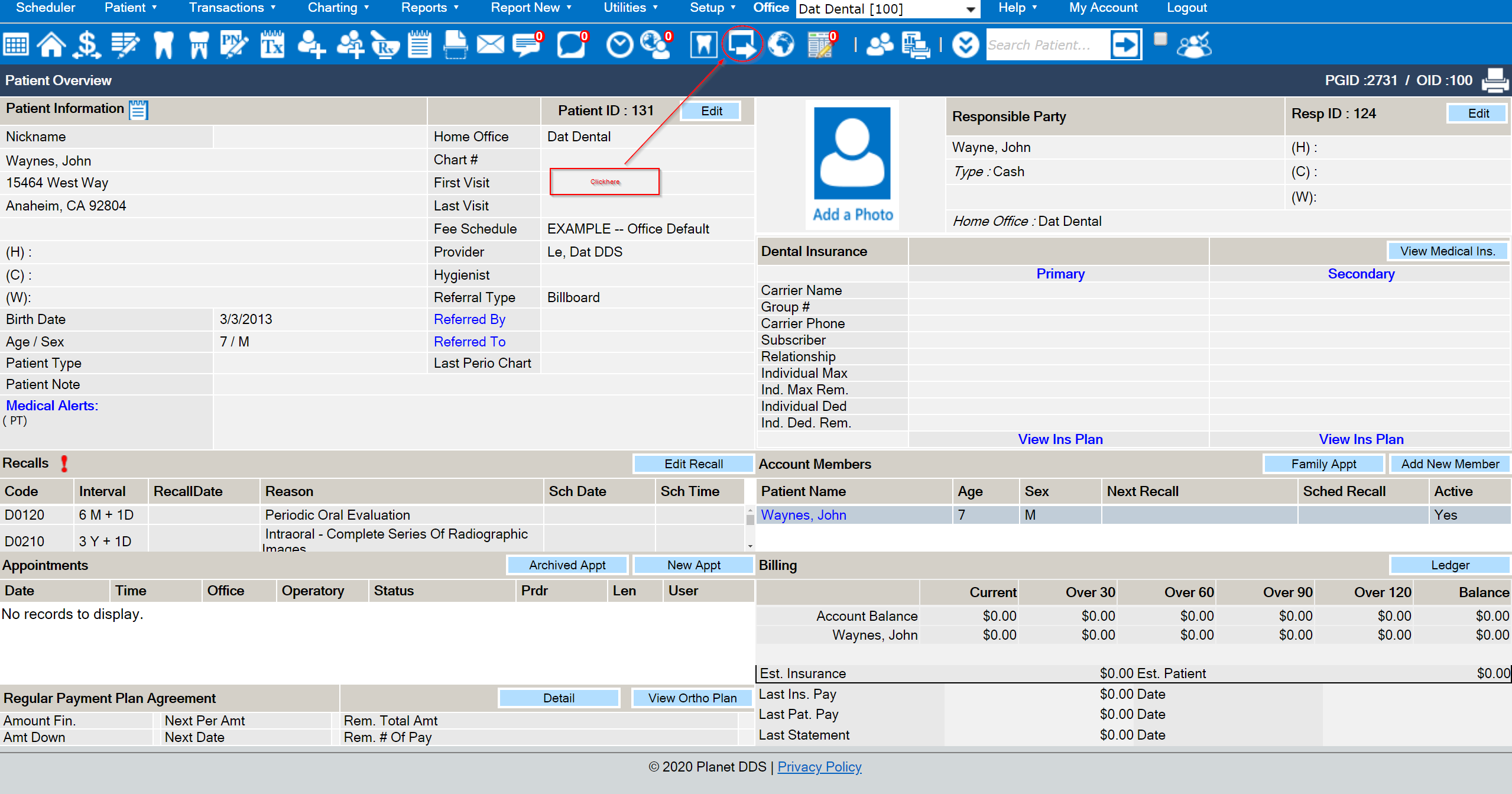
- Press the the
 to launch Dentiray Web
Second way,
- Locate patient
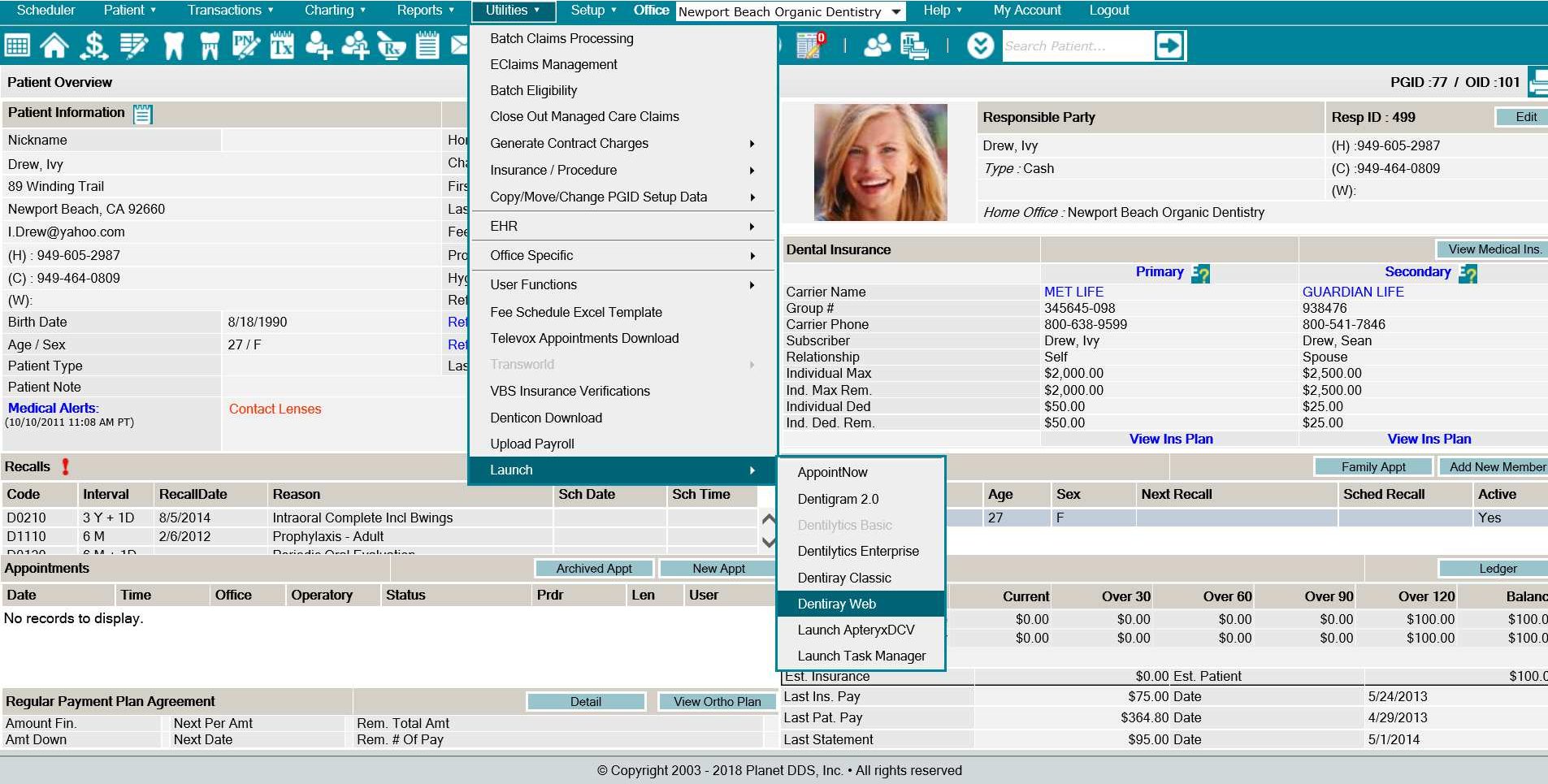
- Click the word “Utilities”
- Click “Launch” from the drop-down list
- Select “Dentiray Web”
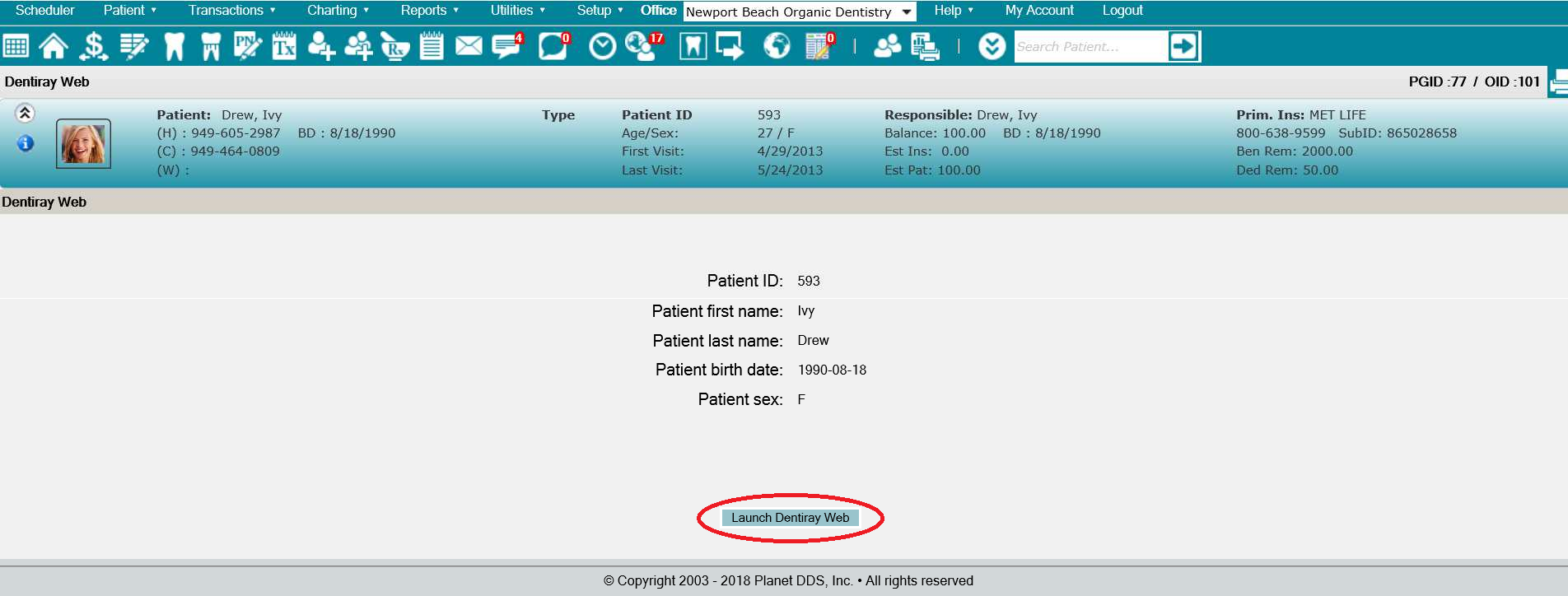
- Click the “Launch Dentiray Web” button
- Enter the office’s login credentials in order to access Dentiray Web
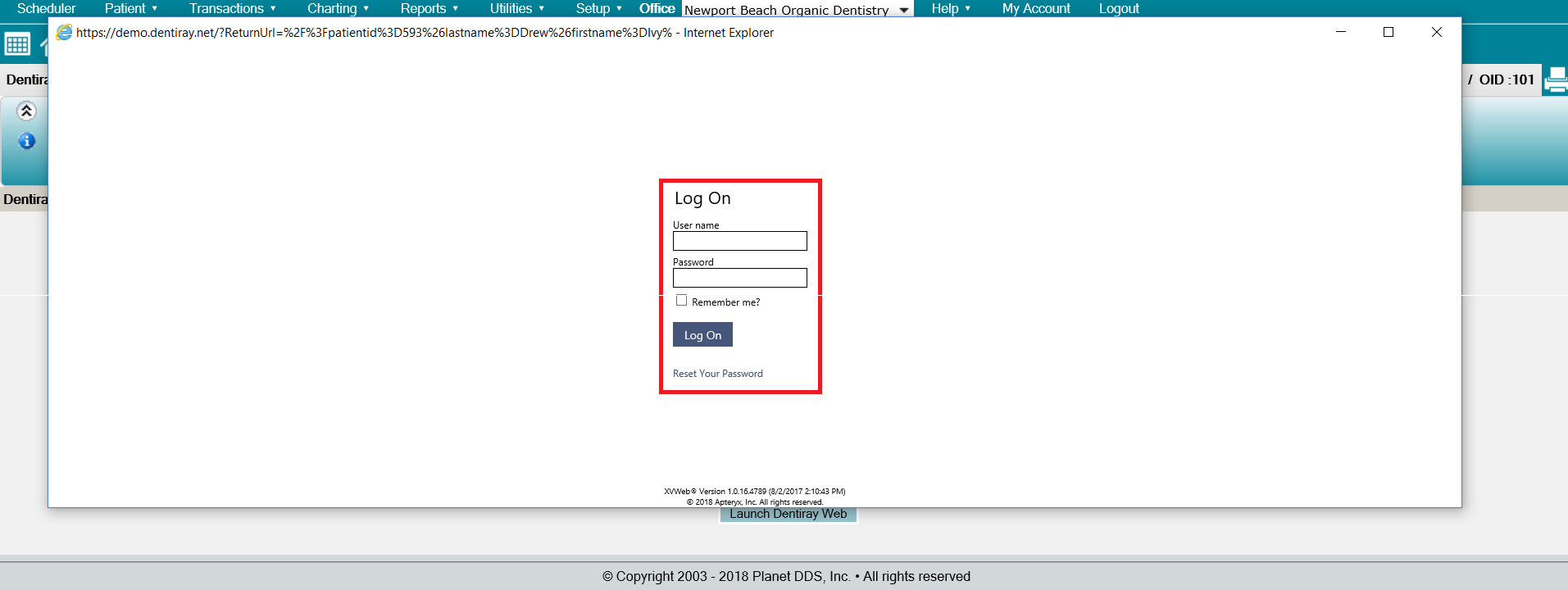
Third Way,
Embedded Images,
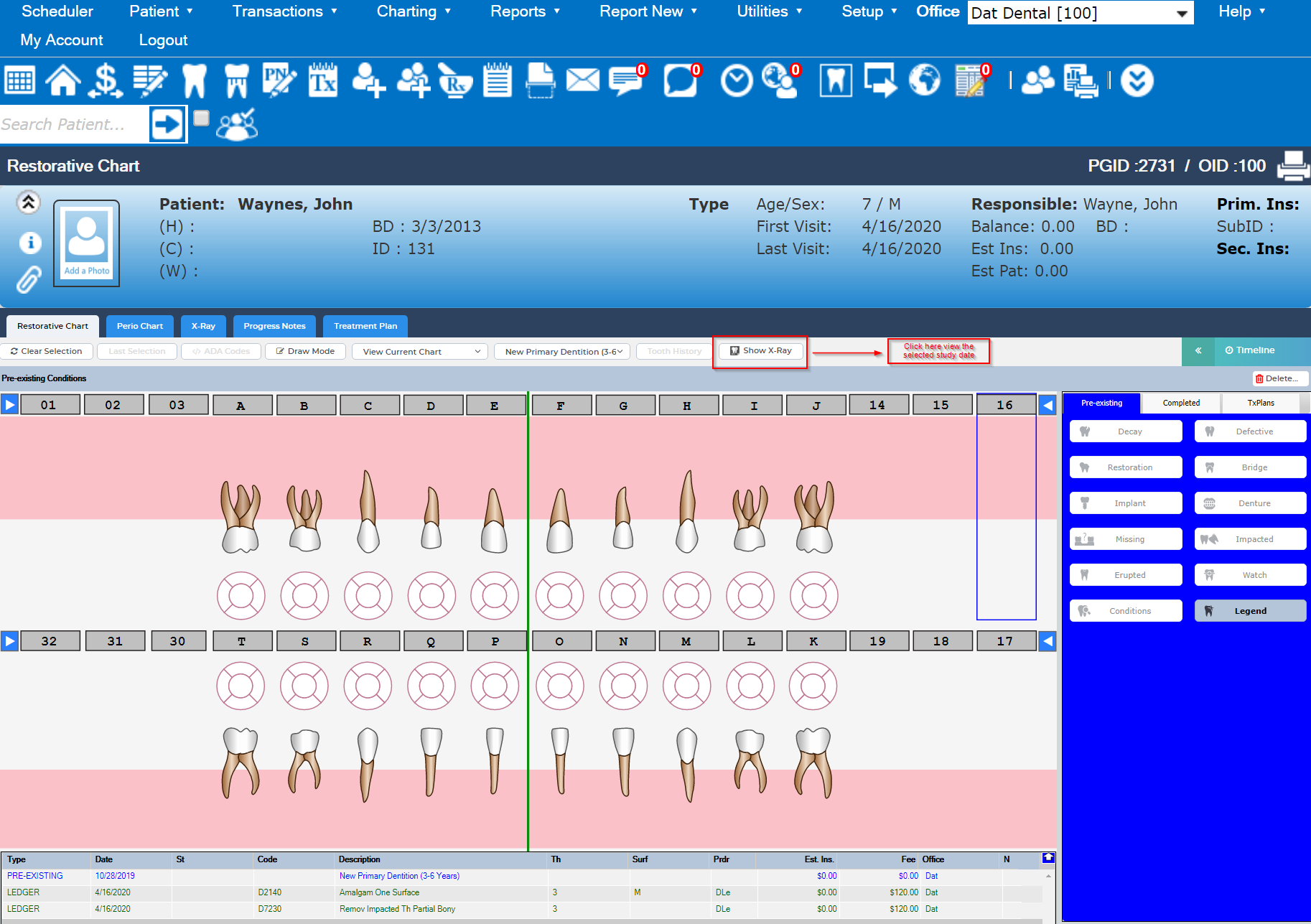
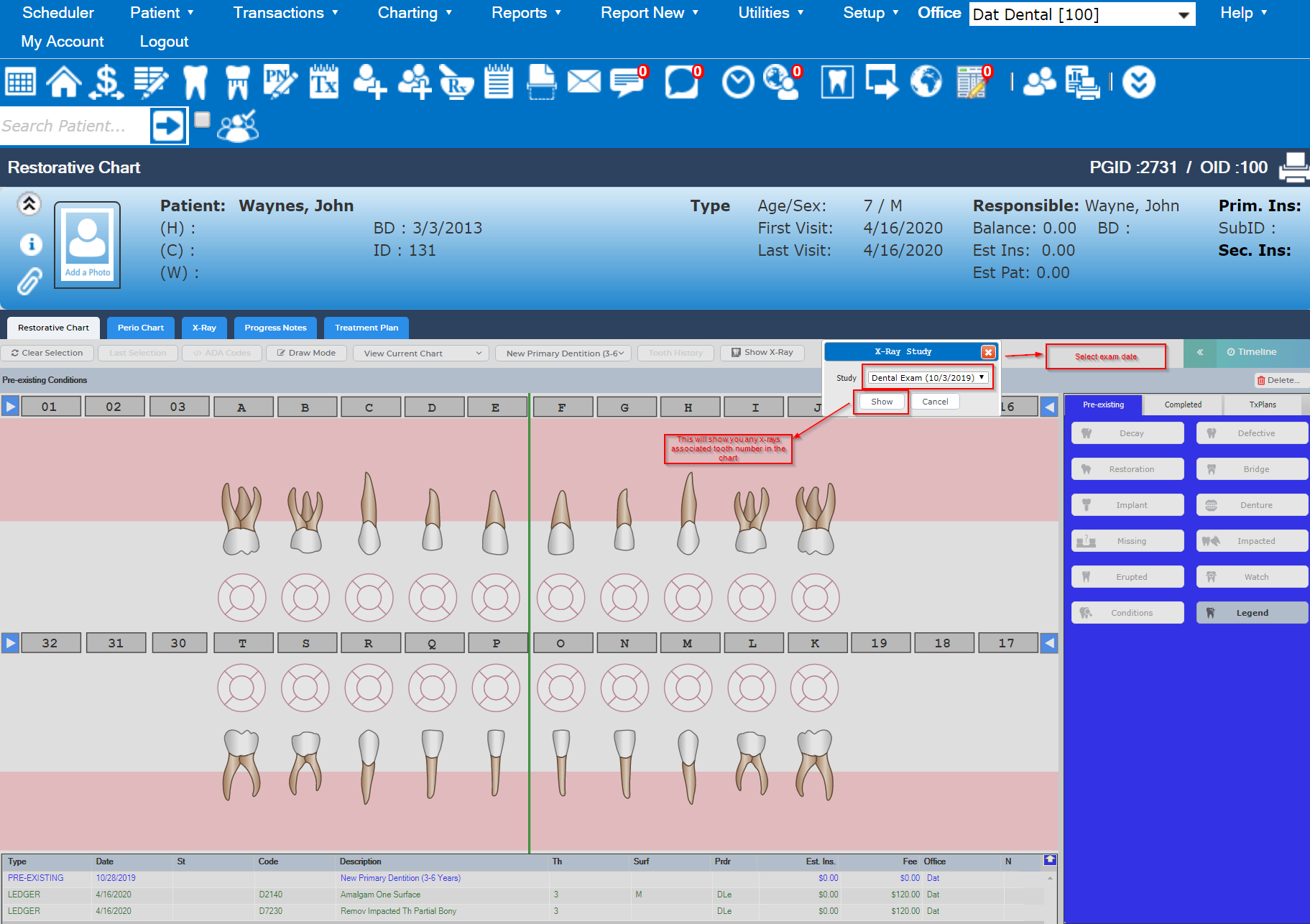
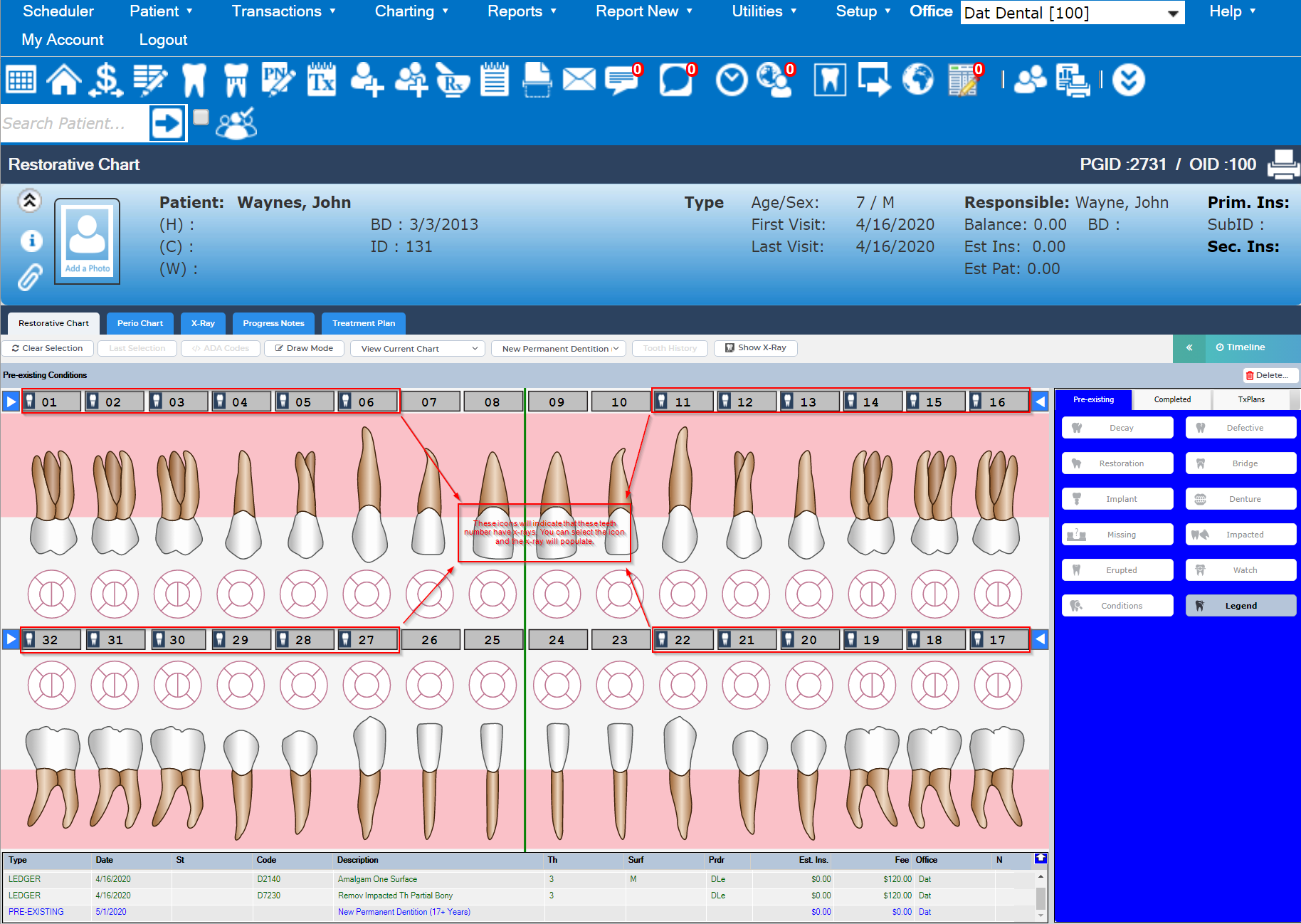
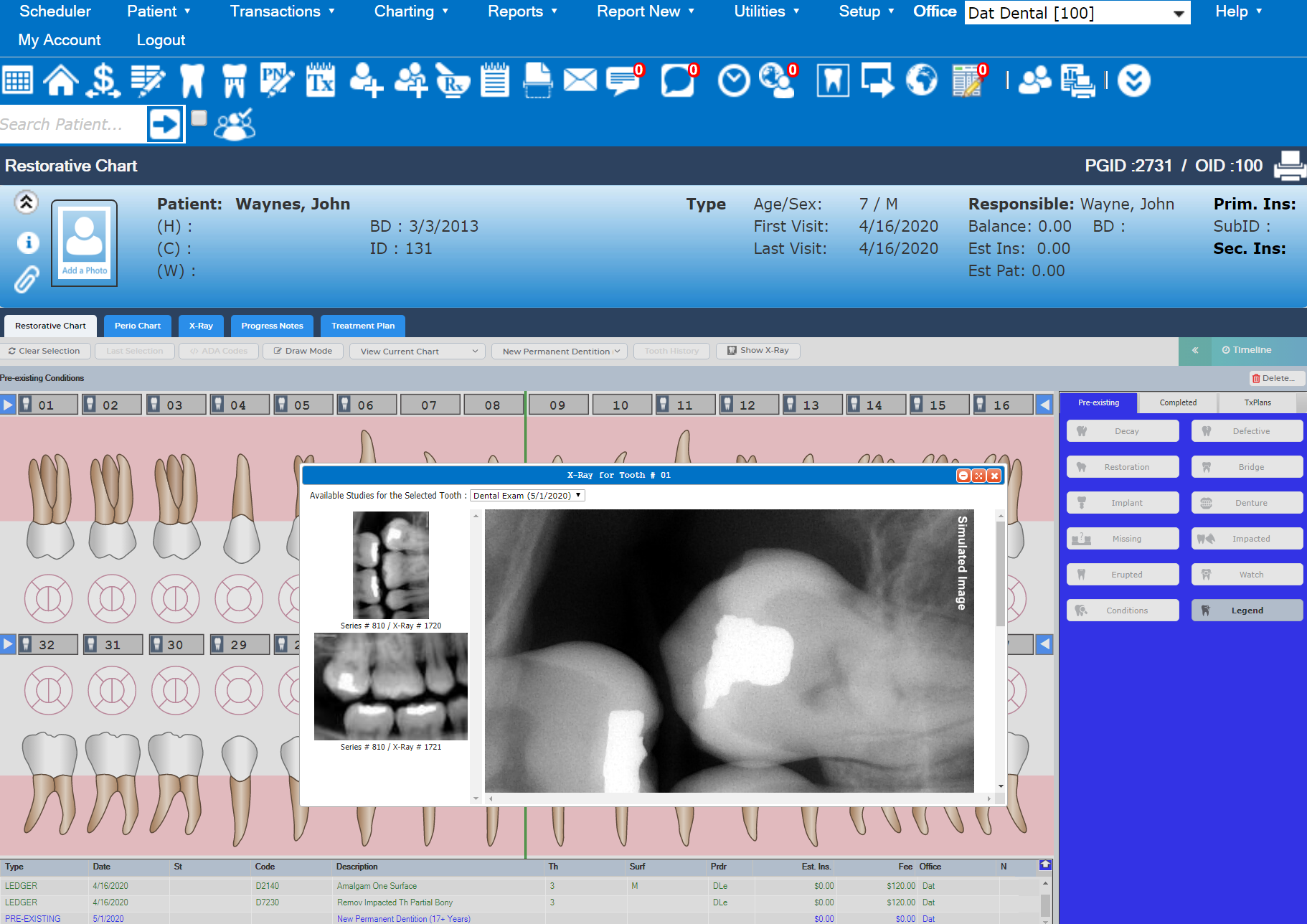
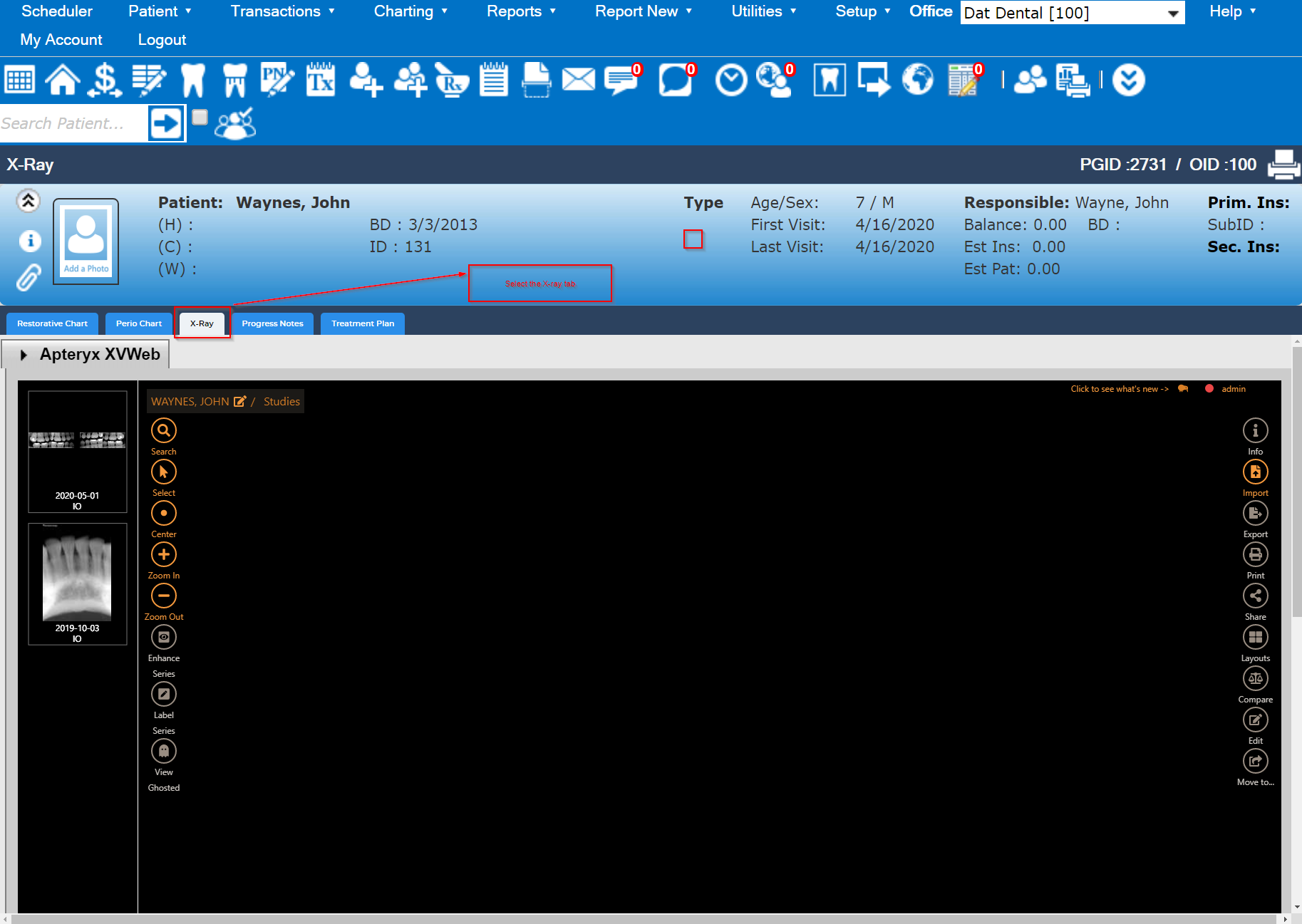
Final you can view x-rays under the X-ray tab from charting screen.